




Description
Download Speaker Booster APK – Audio Booster, Volume Booster, Sound Amplifier
Overview
Speaker Booster is a mobile audio enhancement tool designed to amplify sound output from Android devices. It addresses the common limitation of standard device volume levels by intelligently boosting audio across multiple categories. The app functions as a system-level audio manager, allowing users to increase sound output beyond default thresholds. It is particularly useful for users who frequently stream media, play games, or receive notifications in noisy environments.
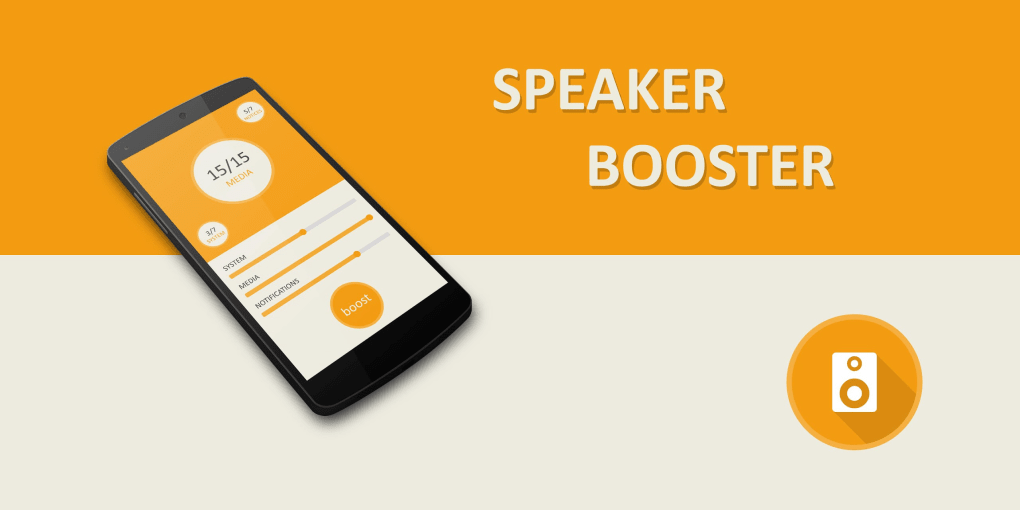
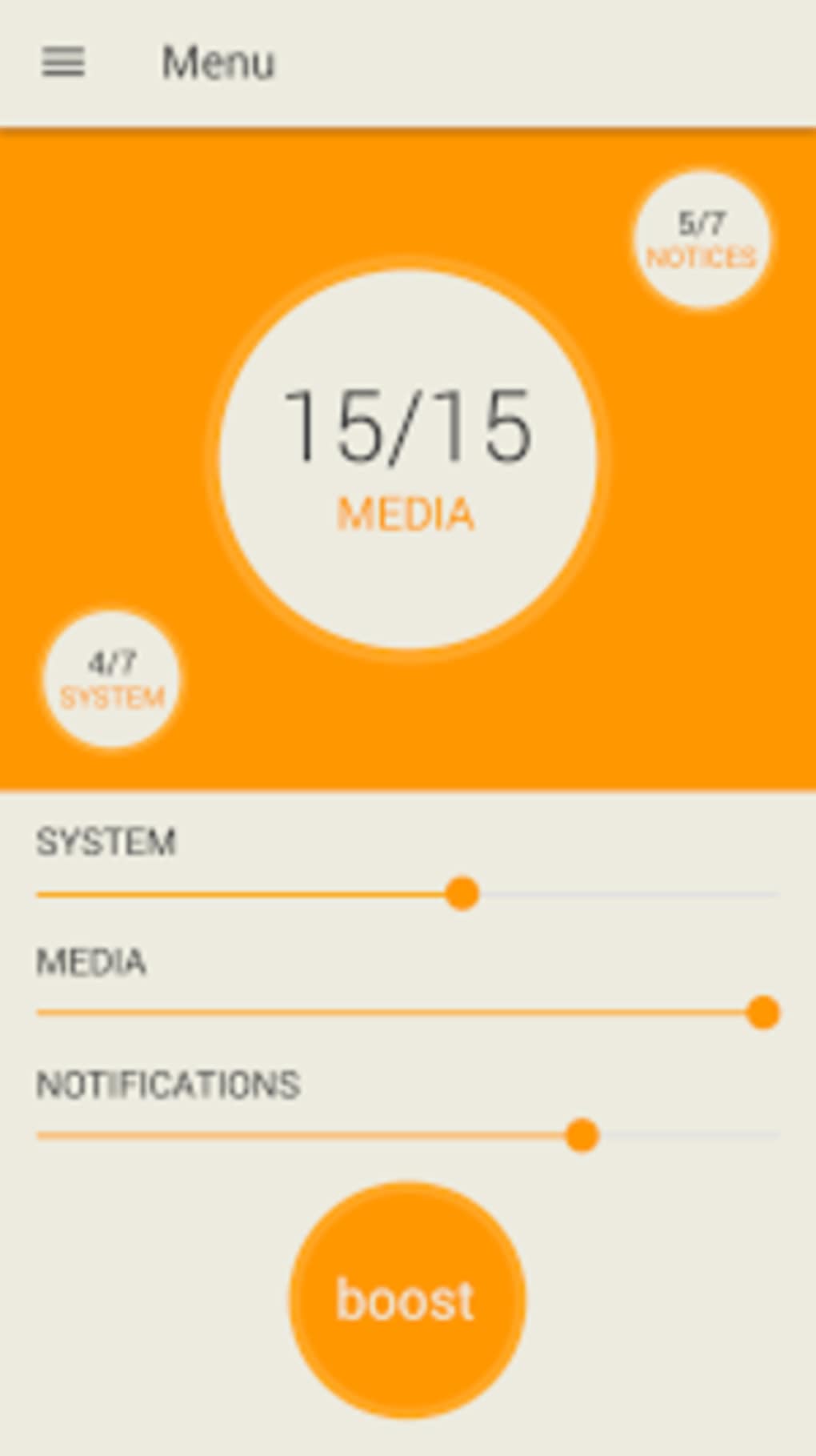
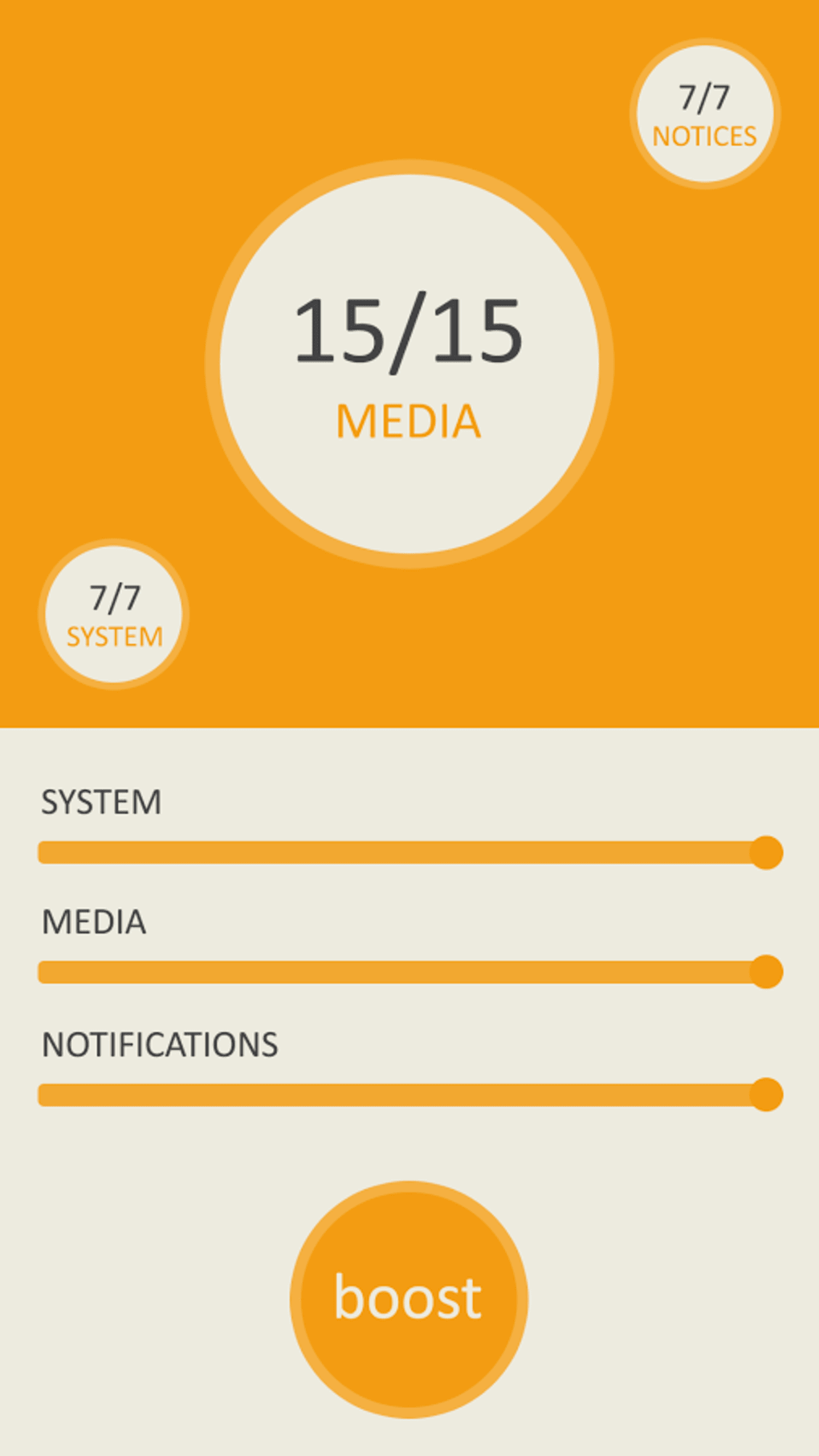
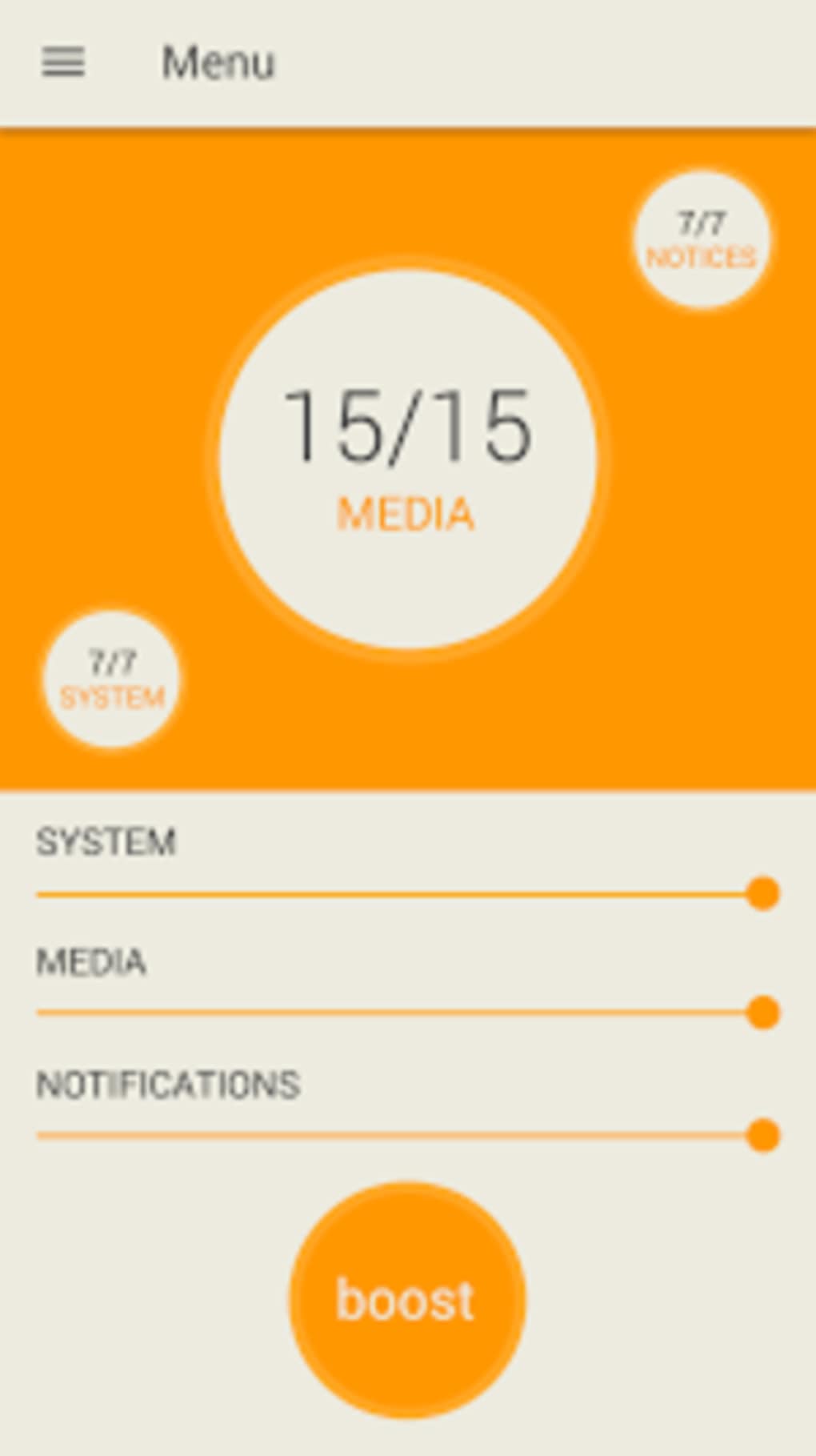
The software divides audio output into three primary categories: System (calls and system sounds), Media (music, videos, and games), and Notifications. This categorization enables users to fine-tune volume levels according to their current activity. While the app does not support individual app-level volume control, it offers a straightforward interface for managing overall audio output. It is compatible with all Android devices, making it accessible to a broad audience.
Real-world usage scenarios include enhancing audio during video calls in loud environments, improving game immersion through louder sound effects, and ensuring notifications are heard clearly in busy settings. The app operates in the background and does not require constant user interaction, making it suitable for both casual and frequent use.
Key Features & Capabilities
- Three-Category Audio Management – Organizes audio into System, Media, and Notifications for targeted volume boosting.
- System-Level Volume Amplification – Increases audio output beyond default device limits without requiring root access.
- Universal Android Compatibility – Works across all Android devices regardless of manufacturer or model.
- Headphone and Speaker Support – Functions effectively with both wired and wireless audio output devices.
- Background Operation – Runs silently in the background without interfering with other apps or system functions.
Users can adjust volume levels for each category independently, allowing for customized audio experiences. For example, a user might boost Media volume for a movie while keeping System volume at a moderate level to avoid feedback during calls. The app is especially beneficial in environments where ambient noise reduces audio clarity. It enhances sound output without altering audio quality, preserving the original tone and fidelity.
User Interface, Workflow & Performance
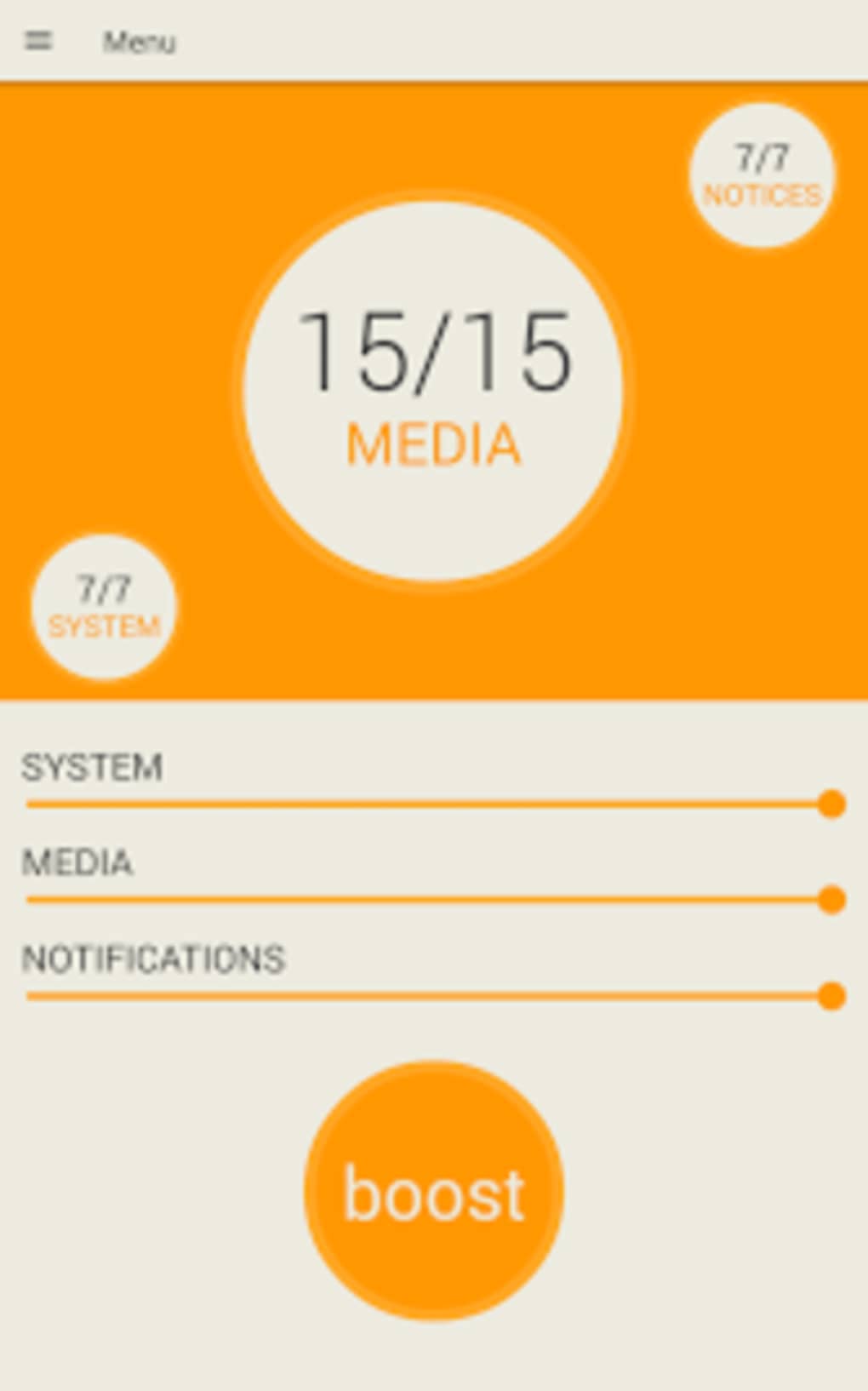
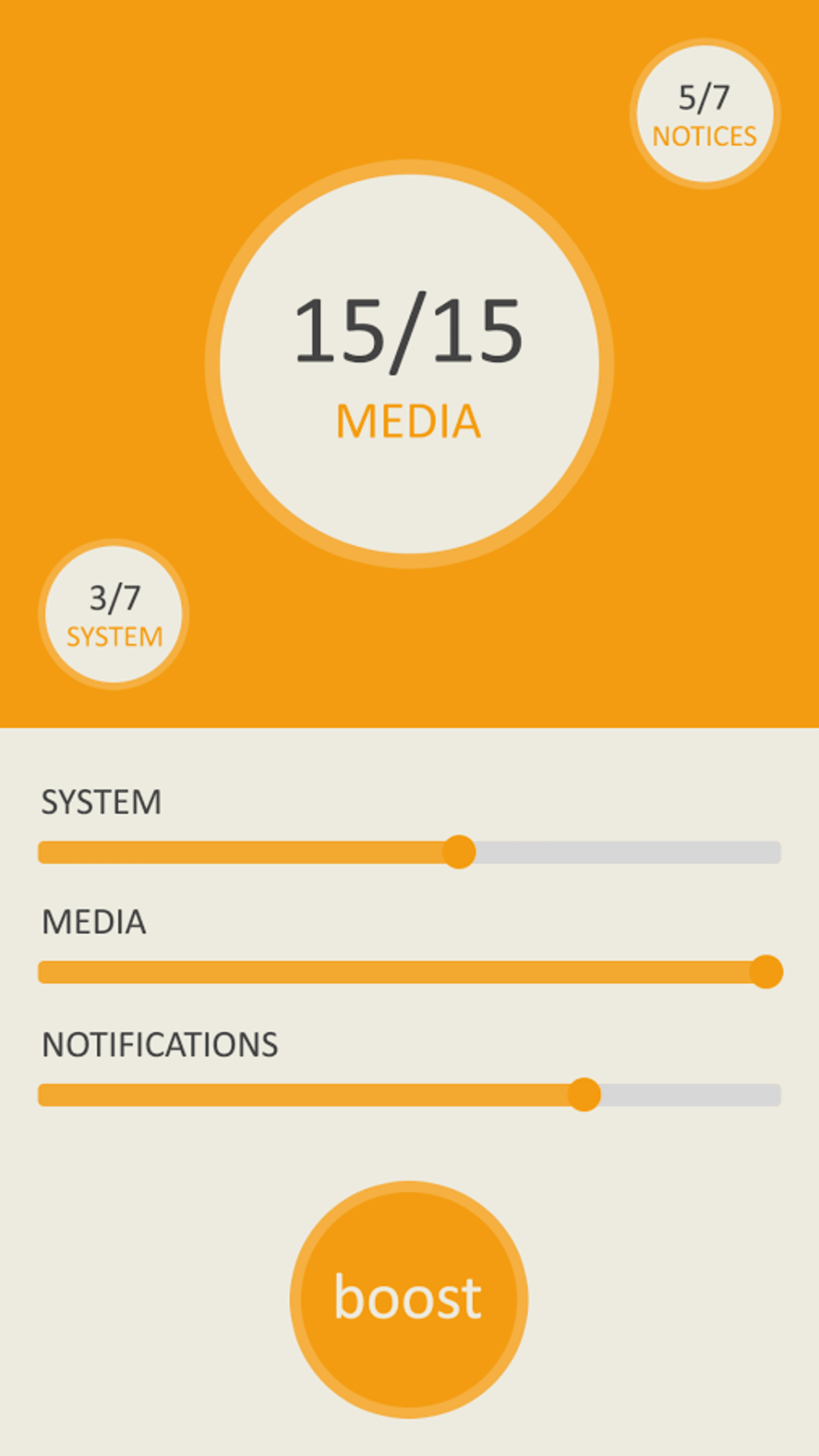
Speaker Booster features a minimalistic interface focused on functionality. The main screen displays three clearly labeled sections corresponding to the audio categories. Each section includes a volume slider, allowing users to adjust levels with a simple drag gesture. Navigation is intuitive, requiring minimal learning time.
The workflow is straightforward: launch the app, select the desired category, and adjust the slider. No complex settings or configuration steps are involved. The app does not consume significant system resources during operation, maintaining a lightweight footprint. However, the developer did not specify resource usage details, including CPU or RAM consumption.
Performance observations are based on general software behavior patterns. The app responds quickly to user input and maintains stable operation during extended use. No reports of crashes or freezes were mentioned. Audio amplification is applied in real time, ensuring immediate feedback when adjusting volume levels. Stability appears consistent across different device types, though exact performance metrics were not provided.
Compatibility & System Requirements
Speaker Booster is designed for Android devices and supports all versions of the operating system. The app is available as an APK file, allowing installation on any compatible device. The installation size is not specified, but it is described as a lightweight utility.
Exact system requirements were not listed. The developer did not provide additional hardware specifications. Compatibility information is limited to the general statement that it works with all Android devices. No mention of specific processor, RAM, or storage requirements was included. The app does not require root access, making it accessible to users with standard device configurations.
Pros and Cons
Pros
- Simple, intuitive interface suitable for all users
- Effective audio amplification without quality loss
- Supports both headphones and external speakers
- Compatible with all Android devices
- Does not require root access or complex setup
Cons
- No individual app-level volume control
- Limited to three predefined audio categories
- No advanced audio customization options
- Missing detailed system requirements
- Performance metrics not disclosed by developer
FAQ Section
Is Speaker Booster compatible with my Android device?
Yes, the app is compatible with all Android devices, regardless of manufacturer or model.
Does Speaker Booster require root access?
No, the app does not require root access to function.
Can I use Speaker Booster with headphones?
Yes, the app works with both wired and wireless headphones as well as external speakers.
Is the app safe to download and use?
Speaker Booster is designed to operate within standard Android permissions and does not access sensitive data. It is considered secure for general use.
How often are updates released?
Update frequency is not specified by the developer. Users should check the official source for the latest version.
Final Thoughts
Speaker Booster delivers a reliable and straightforward solution for users seeking to amplify their device’s audio output. Its simple interface and broad compatibility make it accessible to a wide range of users, from casual listeners to those in noisy environments. While it lacks advanced features like app-specific volume control, its core functionality is effective and efficient.
For users who need a no-frills audio booster that works immediately and consistently across devices, Speaker Booster is a solid choice. It enhances sound output without compromising audio quality or system stability. The lack of detailed specifications is a minor drawback, but the app’s universal compatibility and ease of use outweigh this limitation.
Download Speaker Booster now to experience louder, clearer sound on your Android device.
Guides & Tutorials for Speaker Booster APK
How to install Speaker Booster APK
- Click the Preview / Download button above.
- Once redirected, accept the terms and click Install.
- Wait for the Speaker Booster APK download to finish on your device.
How to use Speaker Booster APK
This software is primarily used for its core features described above. Open the app after installation to explore its capabilities.
User Reviews for Speaker Booster APK 0
No reviews found





